
English for Kids: Learn, Play
English learning your child can do alone — and you can follow in your own language. The app's interface speaks 7 languages, so not speaking English is never the thing that holds your child back.
See It In Action
Real screens, from the real app
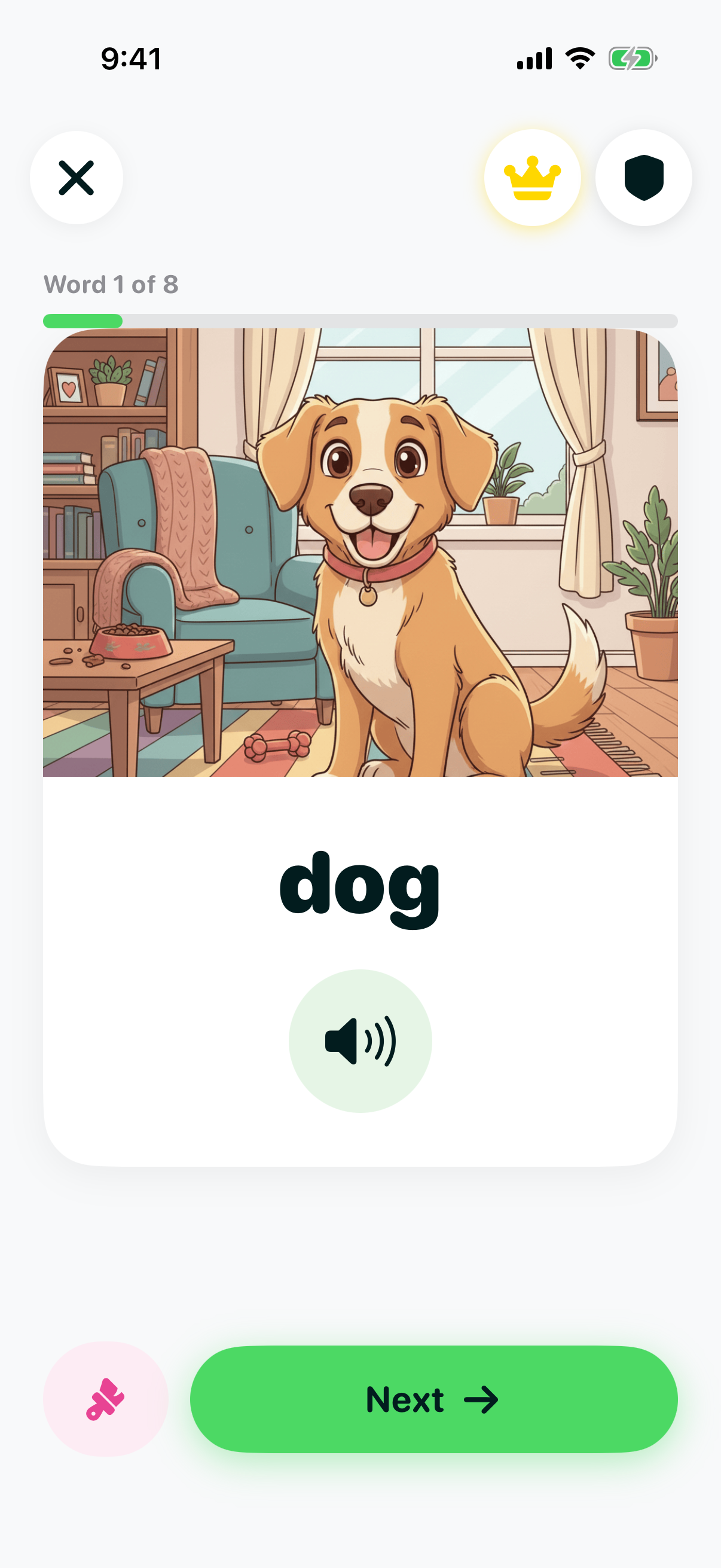
Learn everyday English words
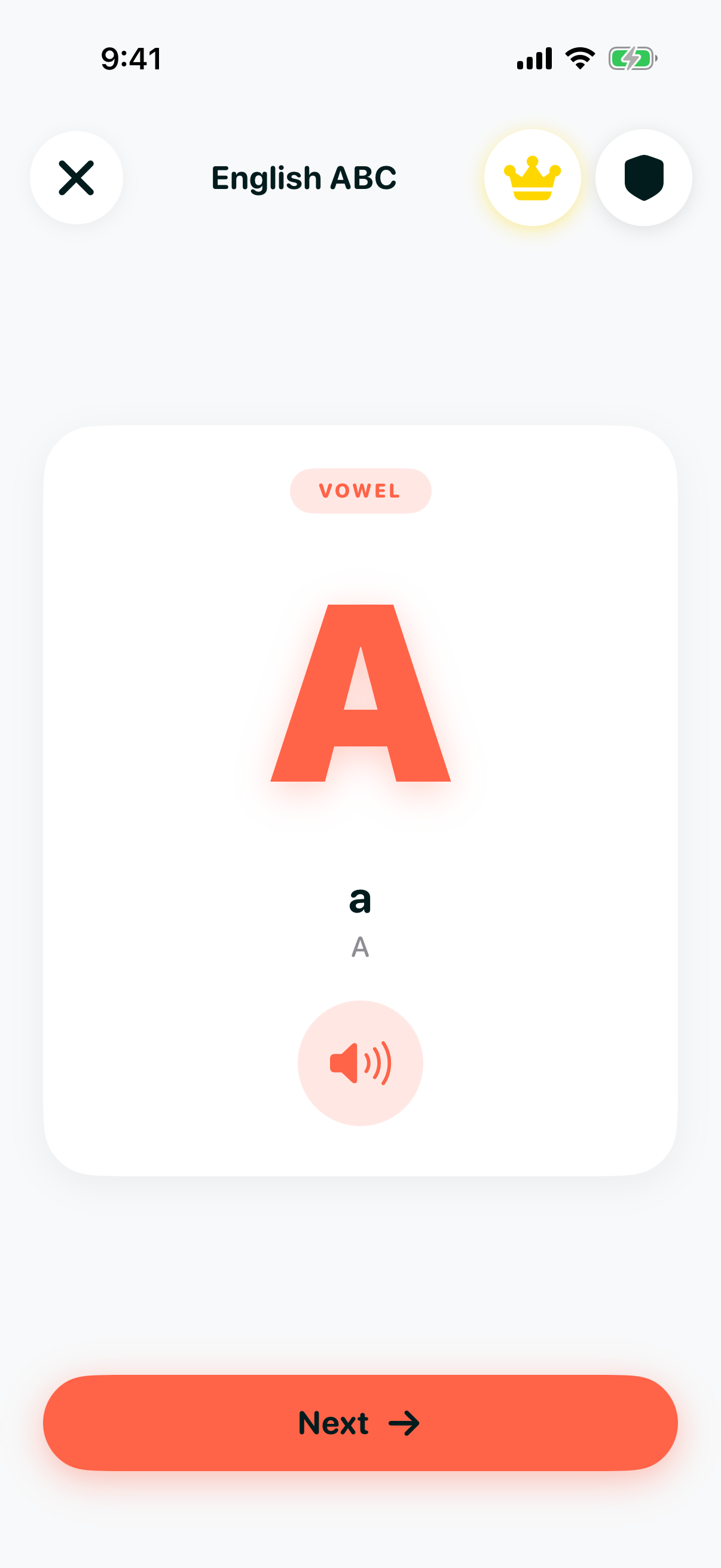
All 26 letters, with audio
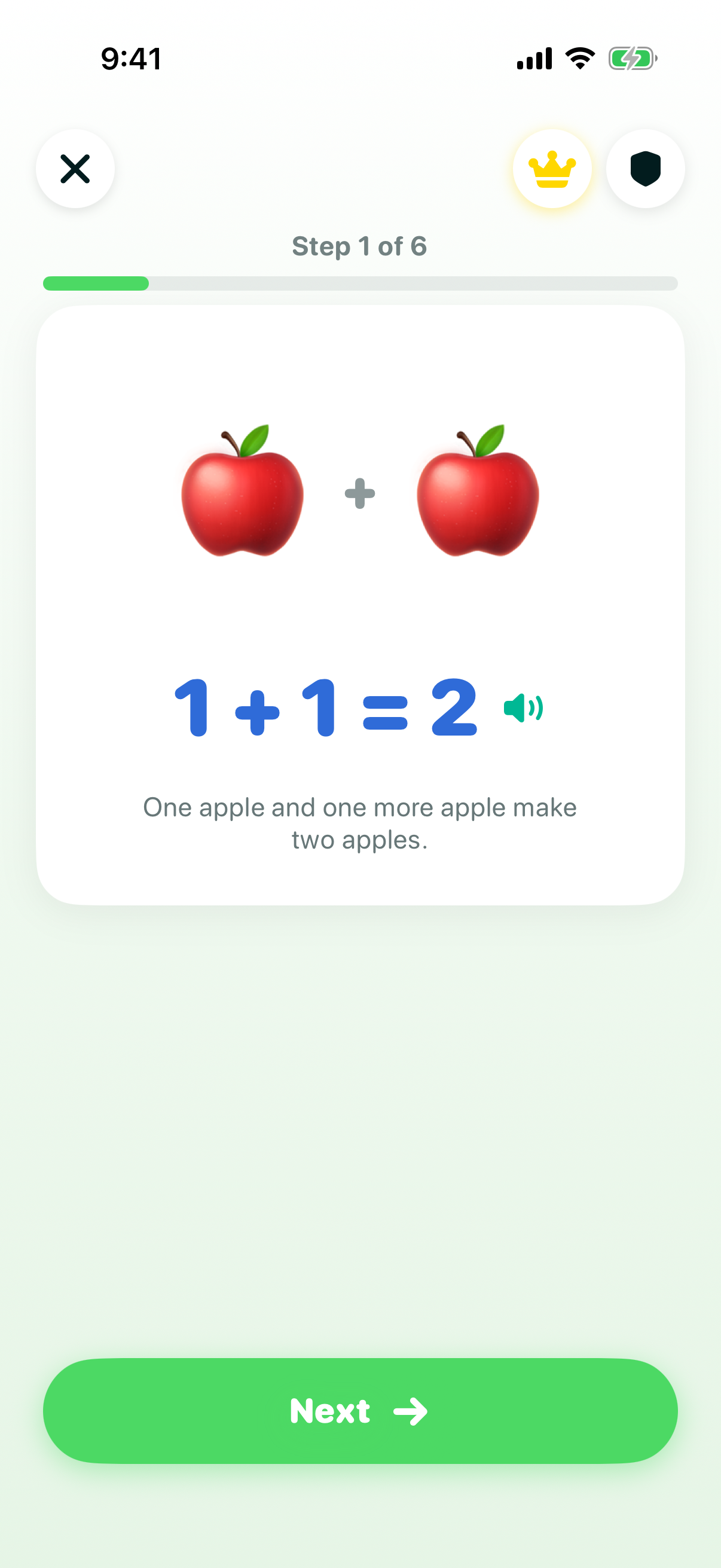
Math, Science & Computers
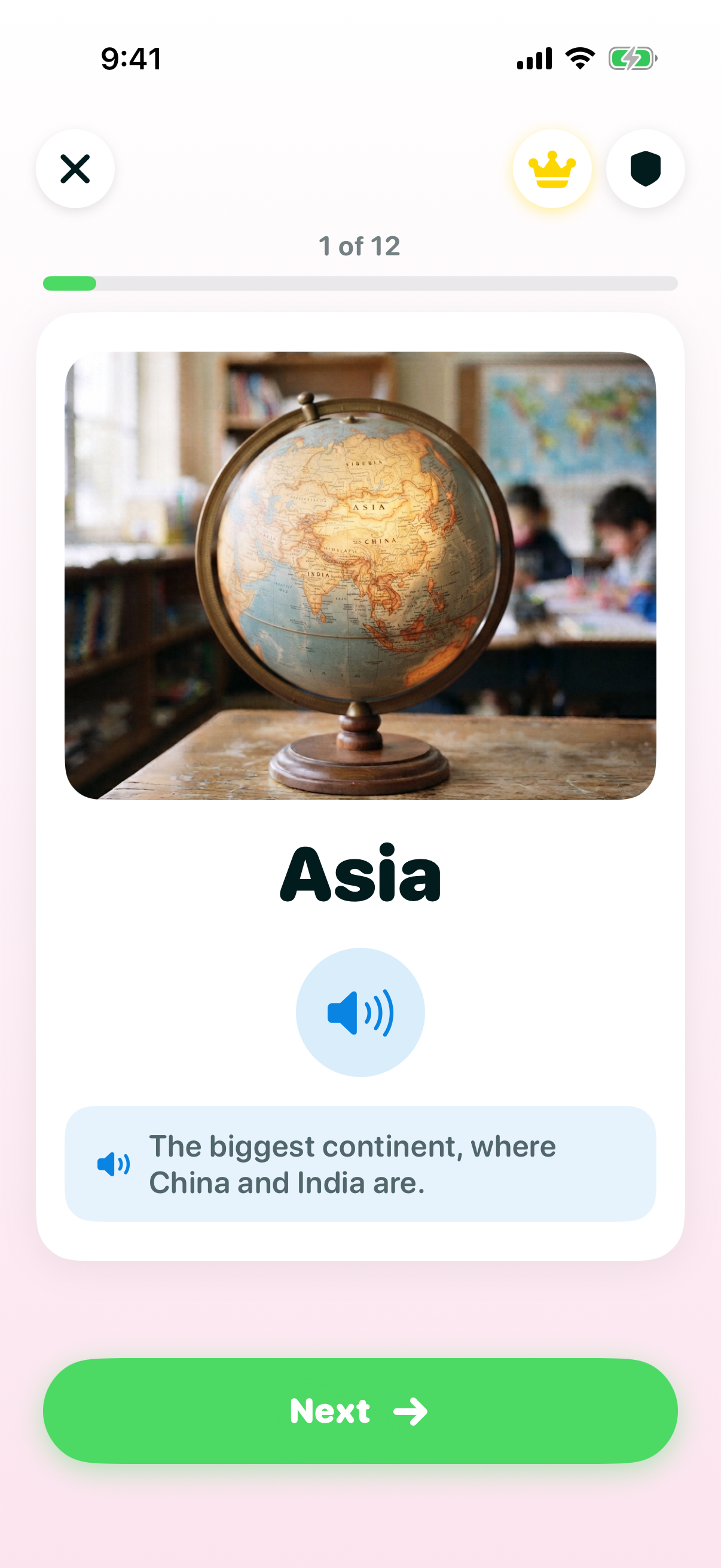
Explore the wider world
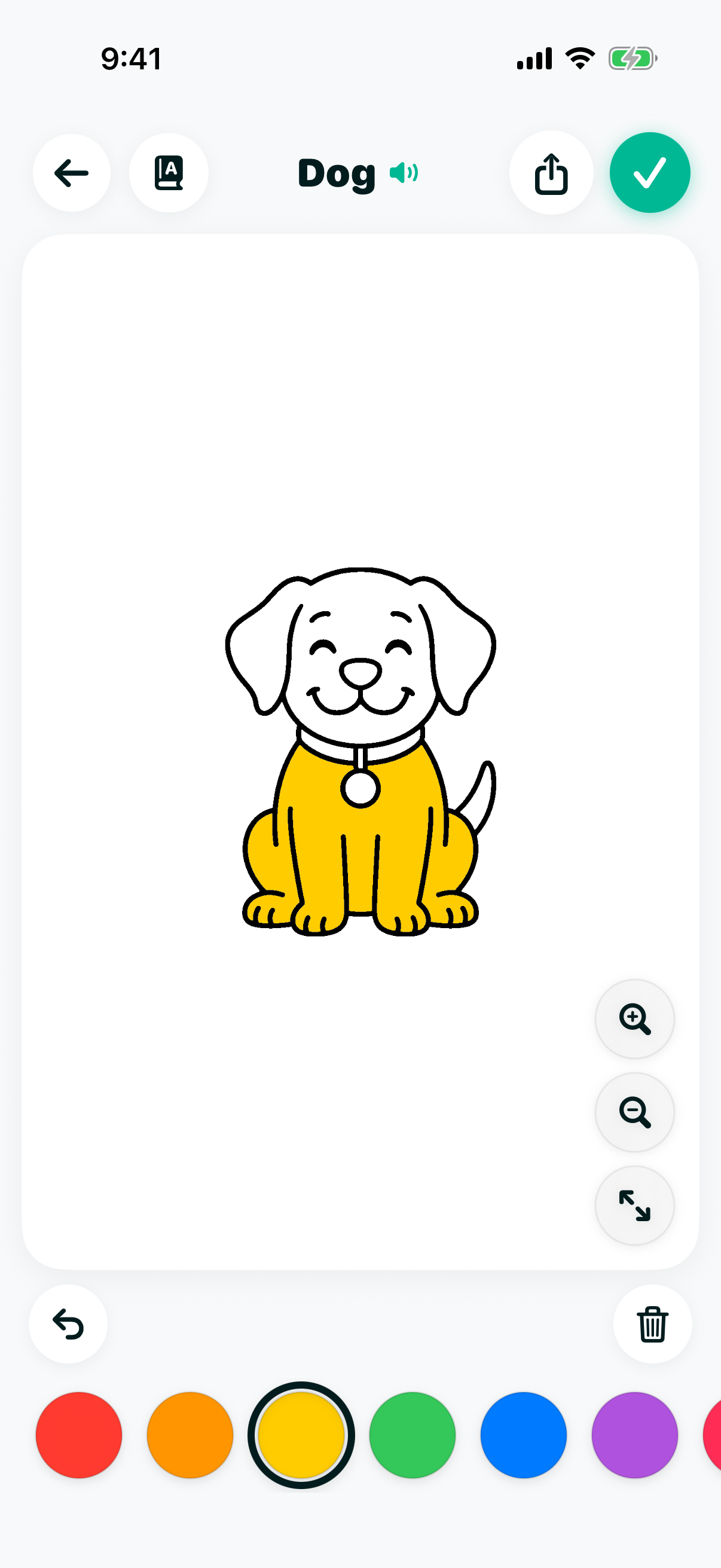
Color, trace and create
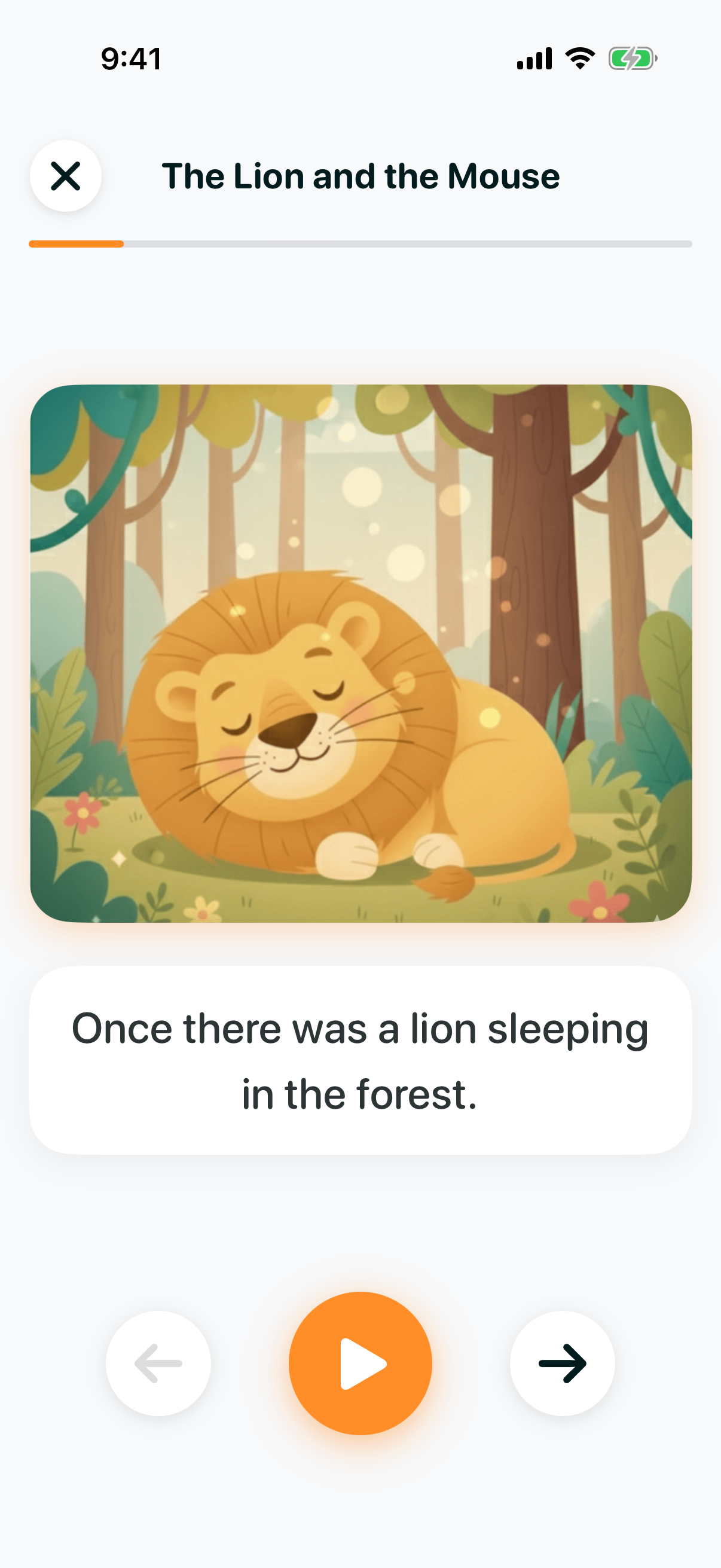
Bedtime stories, read aloud
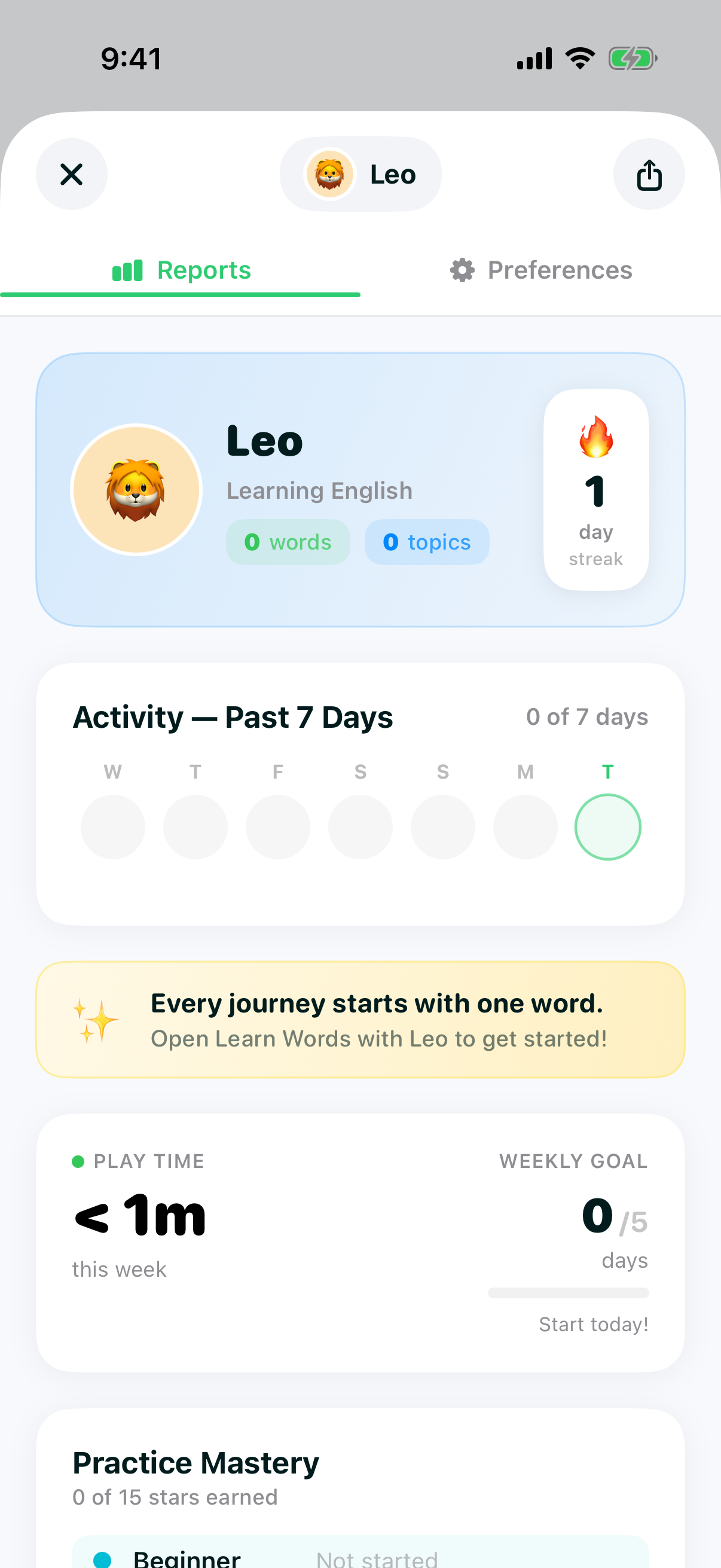
Real progress, visible to parents
Getting Started
How It Works
Getting started takes less than a minute — and no English is required from you.
Step 1: Set the App to Your Language
Choose from 7 interface languages — English, Arabic, Danish, German, Finnish, Indonesian, or Vietnamese — so menus, settings, and the parent dashboard read in a language you're comfortable with.
Step 2: Create a Profile
Add your child's name and age band, so lessons and difficulty start at the right level. You can add a second child later.
Step 3: Pick a Subject
Choose from Words, the Alphabet, Sentences, Math, Science, Computers, or General Knowledge — or jump into Coloring and Bedtime Stories.
Step 4: Watch Them Grow
Track streaks, weekly goals, and topics mastered from the parent dashboard as their English builds day by day.
Highlights
Built for Families Learning English
A taste of what's inside — see the full feature list for everything the app offers.
You Don't Need to Speak English
The interface itself is available in 7 languages, so parents can set up profiles, read the dashboard, and guide their child without translating a single screen.
Words, Then Sentences
85 words across 11 topics, all 26 letters with guided tracing, and 40 sentences with build-and-meaning drills — the full path from first word to first sentence.
Far More Than Vocabulary
Math, Science, Computers, and General Knowledge sit alongside the language subjects, so English becomes the medium for learning, not just the subject.
Safe by Design
No ads, ever. No chat, no social features, no third-party tracking — just a focused, private space to learn.
Trust & Safety
Built to Earn Your Trust, Not Just Your Download
We're a new, growing app without a long review history yet — so here's exactly what we do to keep your child's experience safe.
No Ads, Ever
Not "ad-light" — zero ads. Nothing to tap on by accident, nothing competing for your child's attention.
No Third-Party Tracking
Built with children's privacy rules in mind — no third-party trackers, no personalized-ad profiling.
No Chat, No Social Features
There is no way for strangers to contact your child inside the app — it's just your child and the lessons.
Everything Visible to You
The parent dashboard sits behind a parent gate, and nothing your child does in the app is hidden from you.
FAQ
Frequently Asked Questions
Everything parents ask before getting started.
What is English for Kids: Learn, Play?
It's an early-learning English app for children roughly ages 3 to 9. It teaches everyday English words, the alphabet, and full sentences, alongside Math, Science, Computers, and General Knowledge — with native English audio on every word and lesson.
Do I need to speak English to help my child use it?
No, and this is the point of the app. The app's own interface is available in 7 languages — English, Arabic, Danish, German, Finnish, Indonesian, and Vietnamese — so you can navigate menus, settings, and the parent dashboard in your own language while your child learns in English.
What ages is the app designed for?
Children roughly ages 3 to 9. Onboarding asks you to pick an age band — 3–4 for first words and sounds, 5–6 for reading words, or 7 and up for short sentences — and lessons are paced accordingly.
What subjects does it teach?
Seven: Learn Words, the English alphabet, Sentences, Math, Science, Computers, and General Knowledge. Alongside those there's Coloring, letter tracing and drawing, Bedtime Stories, a Sounds library, and a Parent & Young matching game.
How many words does it cover?
85 words across 11 kid-friendly topics — animals, colors, family, feelings, fruits, manners, nature, numbers, occupations, vegetables, and vehicles — each with an illustration and native English audio.
Does it teach sentences, not just single words?
Yes. There are 40 sentences with build-the-sentence and meaning drills, feeding into practice levels 6 through 8, so children move from single words to reading and constructing short sentences.
Is the app safe for kids?
Yes. There are no ads, ever, no third-party tracking, and no chat or social features of any kind — just a focused, private space to learn.
Is there a free version?
Yes. The app is free to download, and every subject includes a free set of topics your child can start with right away — the full Sounds library is free too. An optional subscription unlocks the remaining topics; current pricing is shown on the App Store and in the app before you buy.
Does the app work without an internet connection?
Yes. All lessons, audio, and artwork are bundled with the app, so everything works offline — handy for car rides, flights, or anywhere without reliable Wi-Fi.
Can parents see how their child is doing?
Yes. A parent dashboard shows daily streaks, a 7-day activity view, weekly play-time goals, and which topics your child has completed. You can set up profiles for up to two children.
Give your child a confident start in English
Download English for Kids: Learn, Play and turn a few minutes a day into real progress across seven subjects.